Bulk adding addresses through the web interface might be the preferred method for DevOps managers.
Developers might prefer using the API.
In the Fordefi web console, click Address Book in the sidebar.
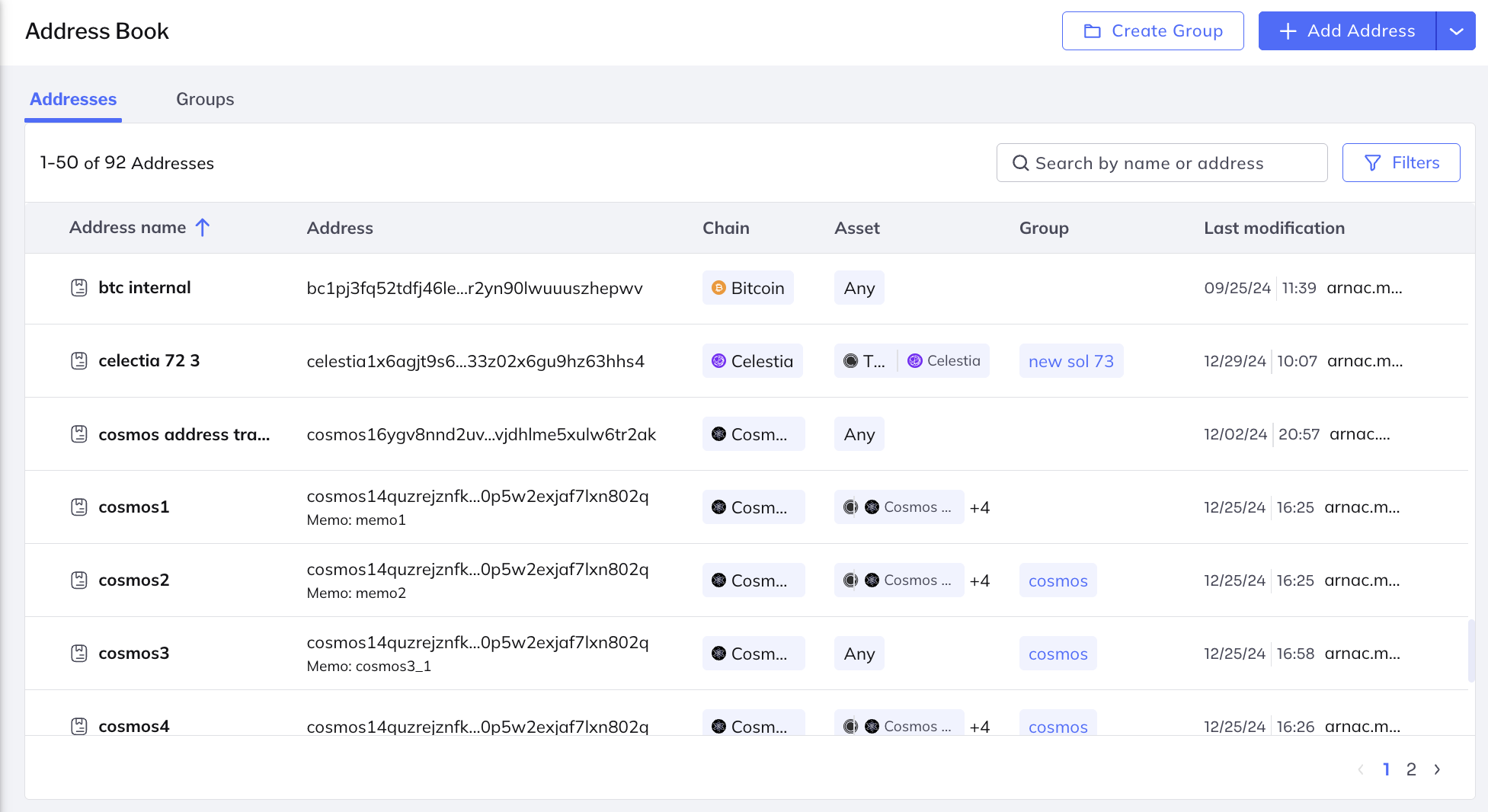
In the upper-right corner, click Add Address > Add batch addresses.
In the screen that is displayed, click Add.
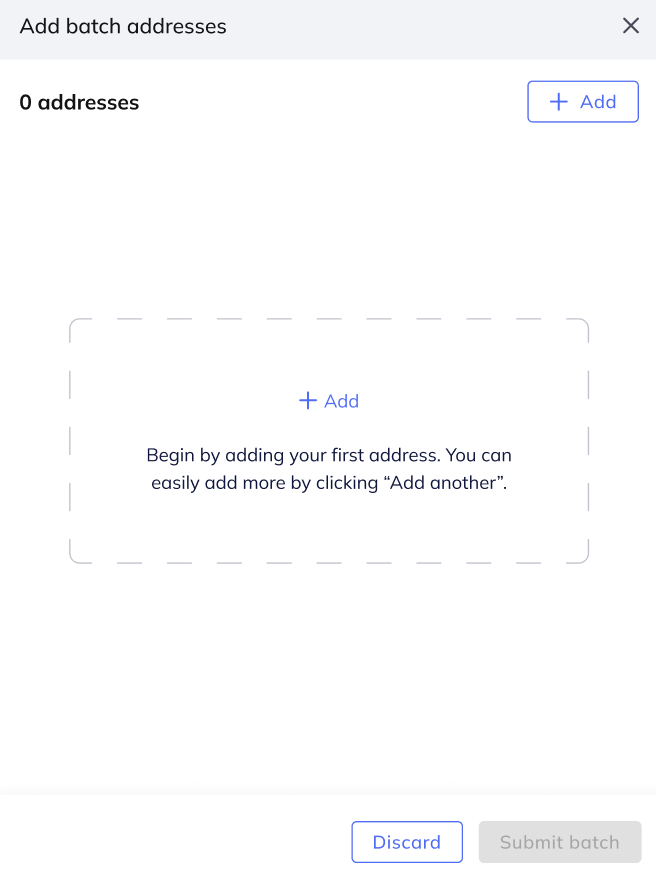
In the screen that is displayed, fill in details for the first address you wish to add.
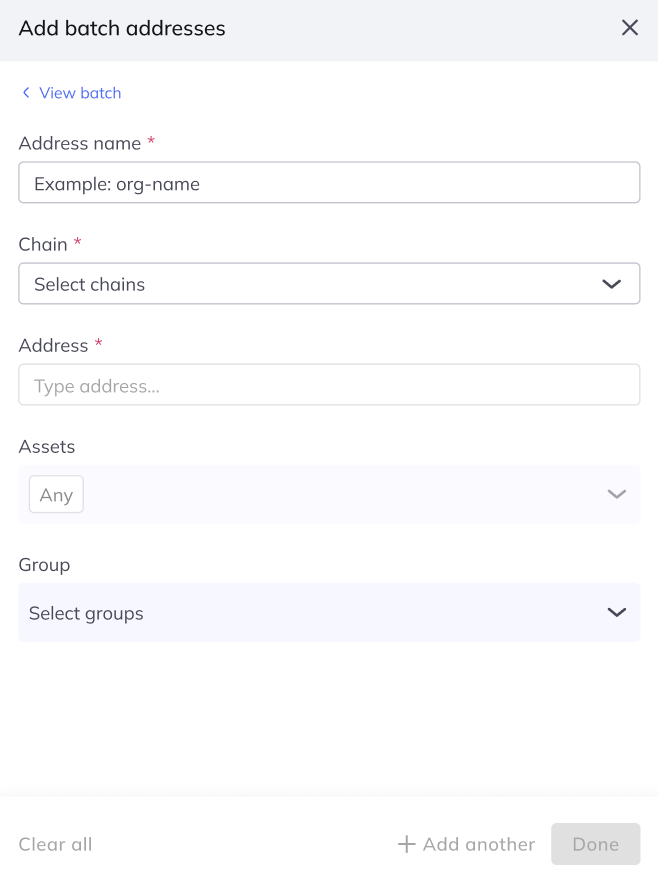
To add another address, click Add another, or click Done.
When you click Done, the full batch of addresses you have added is shown:
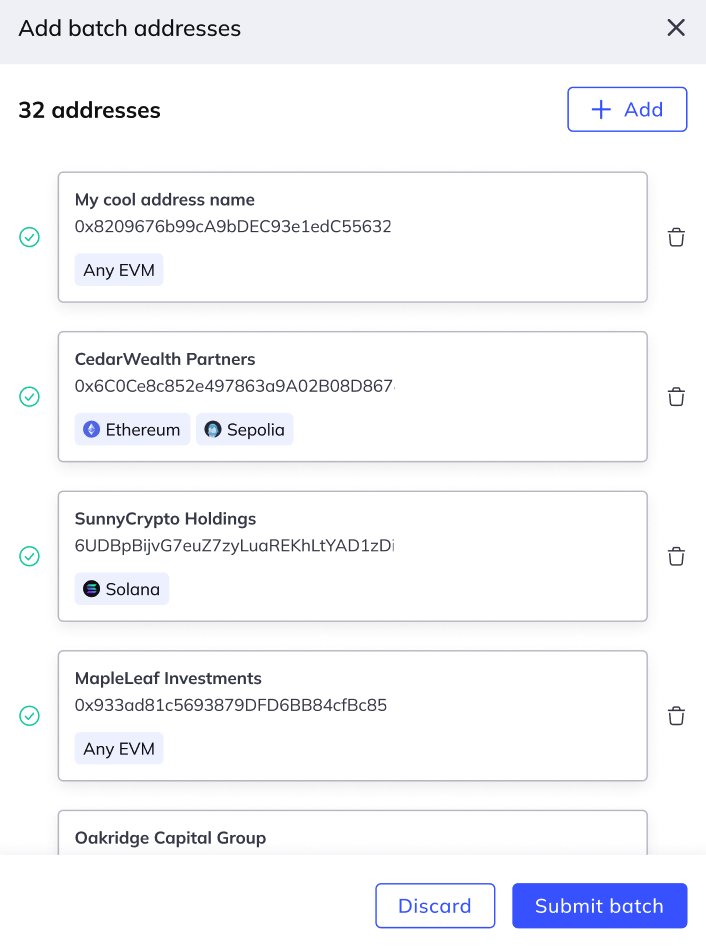
To add the batch, click Submit batch.
The System runs schema and address format validation. If validation passes, you confirm submission, then a mobile approval request is sent to approvers.