This page guides you through configuring policy to create transaction rules for Hyperliquid (sometimes called HyperCore). For more general examples, see Sample Policies.
These examples cover the basic rules needed for common Hyperliquid interactions. If you need more help, feel free to reach out to Fordefi Customer Service.
Users of Hyperliquid can interact with the exchange through Fordefi, mainly by signing EVM typed messages, but some specific actions — such as depositing USDC from Arbitrum over the legacy bridge — require a "transfer". This means no single rule covers all Hyperliquid transactions; instead, a comprehensive policy will require multiple rules, each handling a specific kind of interaction with Hyperliquid.
Although Hyperliquid actions that move funds (such as Withdraw and SendAsset) are technically EIP-712 message signatures, the Fordefi policy engine treats them as Transfers. This lets you apply the same security controls you would use for any other asset movement — most importantly, a Recipient condition on where the funds actually end up. For backward compatibility, these messages can also be matched as EVM Typed Messages (domain name HyperliquidSignTransaction), but this approach is less secure: the recipient of a typed message is derived from its verifyingContract field, which is the zero address (0x000...000) for all Hyperliquid messages, so such a rule cannot verify the funds destination. Prefer Transfer-based rules for any action that moves funds, and reserve EVM typed message rules for actions that don't (see the API wallet and multi-sig rules below).
The sections below describe those rules and provide minimal templates you can adapt for your own policy.
When a wallet first connects to the Hyperliquid DEX, you will be asked to sign an EVM EIP-712 typed message accepting the terms and conditions.
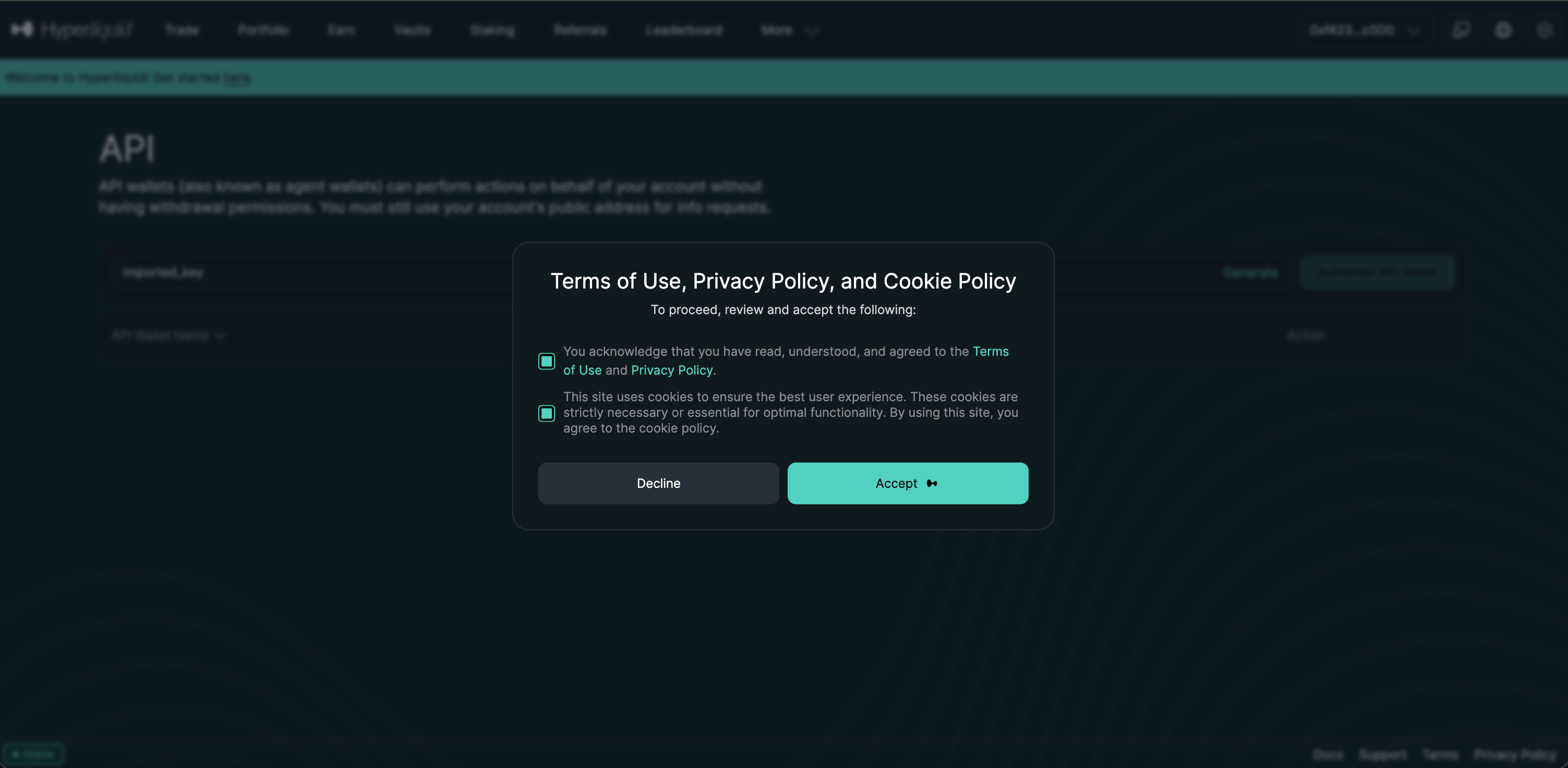
- Transaction type: "EVM typed data message"
- Recipient:
0x0000000000000000000000000000000000000000, this maps to theverifyingContractin the message, which on Hyperliquid is set to the null address by convention - EVM typed message:
- Domain: HyperliquidSignTransaction
- Primary type: Hyperliquid:AcceptTerms

This rule allows two related Hyperliquid actions:
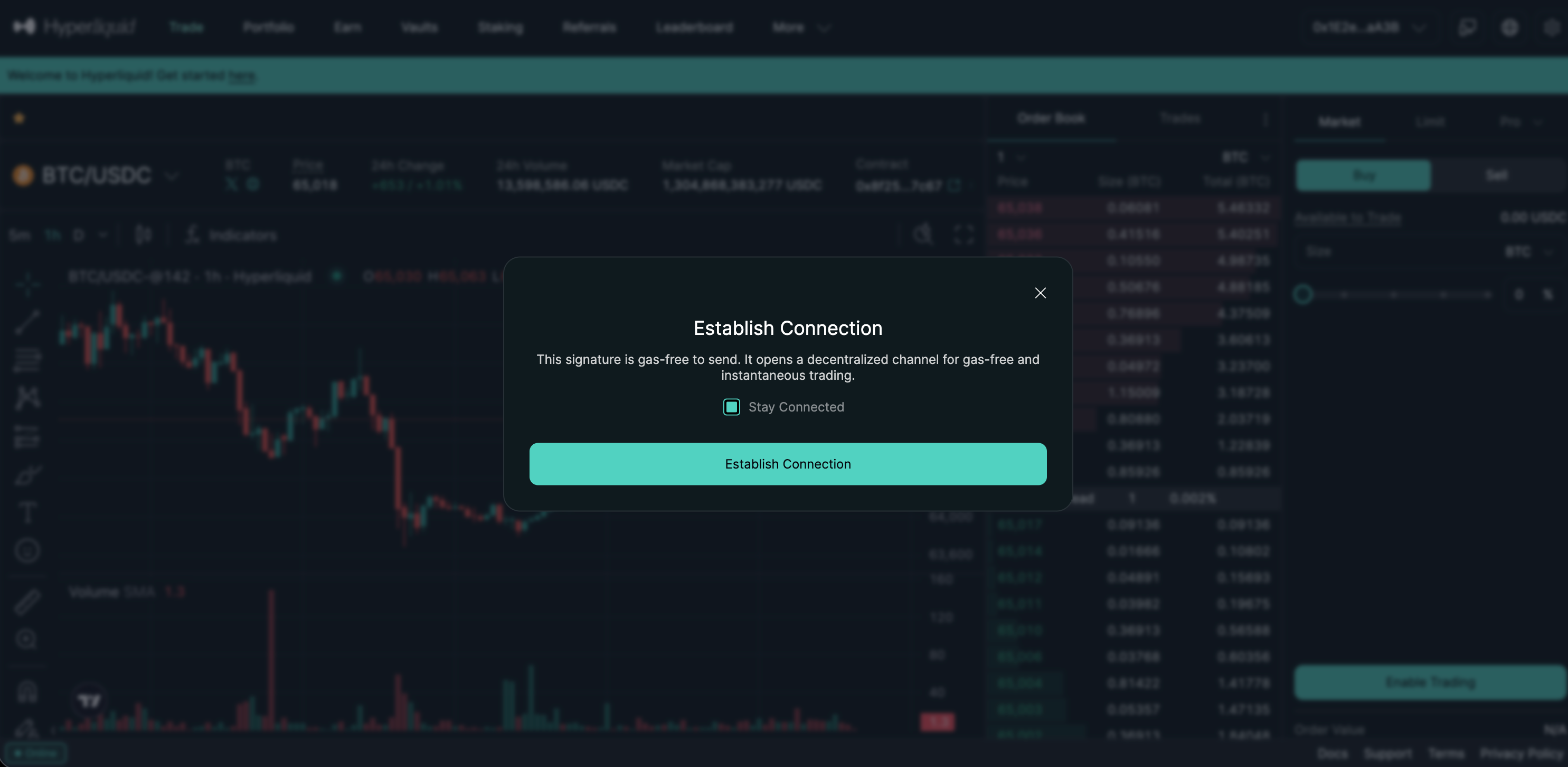
- Establish Connection, which creates and links your Hyperliquid account to your Fordefi vault.
- Approve and revoke API wallets, which are optional actions used for programmatic access to Hyperliquid.
When you click Establish Connection, Hyperliquid prompts you to sign the same EIP-712 message used to approve or revoke an API wallet.
- Transaction type: "EVM typed data message"
- EVM typed message:
- Domain: HyperliquidSignTransaction
- Primary type: HyperliquidTransaction:ApproveAgent
- Recipient:
0x0000000000000000000000000000000000000000as a custom address
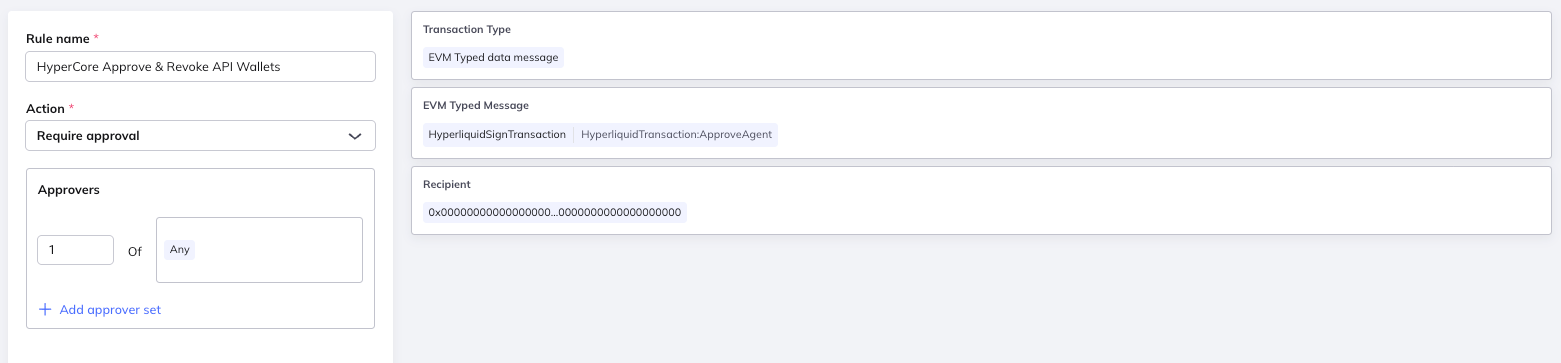
The verifying contract is the 0x0 address (also known as the burn or null address). Hyperliquid uses this address as its verifying contract by convention.
We recommend not adding the 0x0 address to your Address Book, as doing so would cause it to appear as a destination option for unrelated transfers in the Fordefi web app.
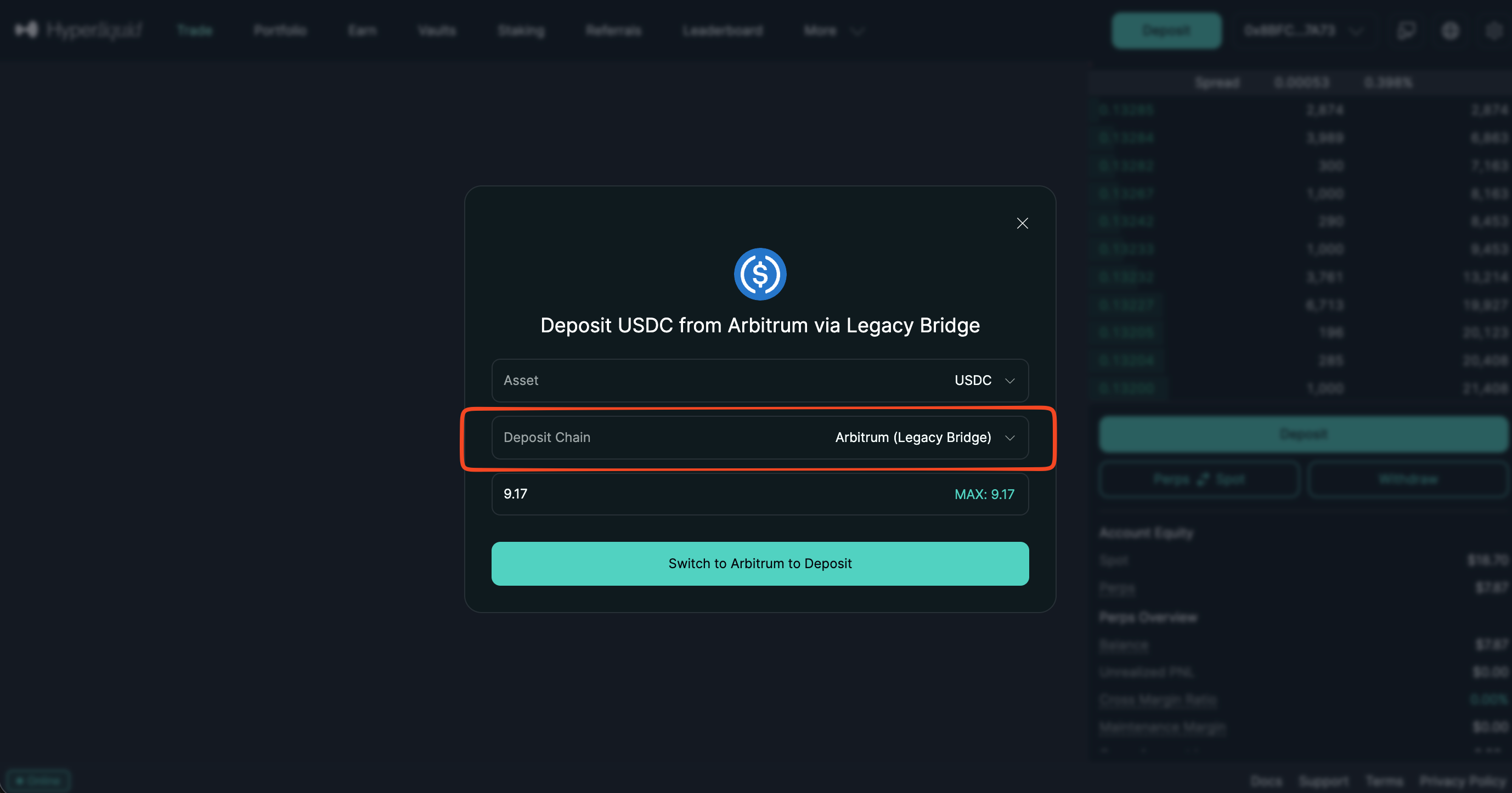
This simple rule covers the case of depositing USDC into Hyperliquid's bridge contract on Arbitrum using the legacy deposit flow on Hyperliquid.
- Transaction type: "Transfer", "Allowance" and "Contract call"
- Recipient: Hyperliquid (Arbitrum One) DApp option
- Transaction amount: less than or equal to $100,000 USD (this condition is optional and can be removed or the amount changed)
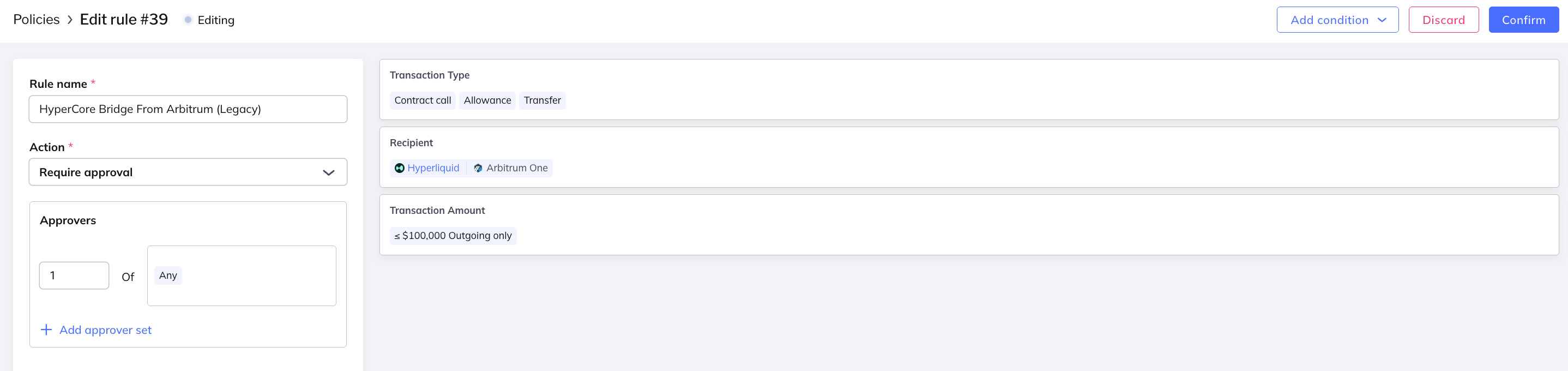
The transaction is of type "Transfer" because the deposit involves moving and locking your tokens into the bridge contract and crediting the amount to Hyperliquid.
We have also added the "Allowance" and "Contract call" transaction types, which are technically not required when depositing using the Hyperliquid web app but is required when depositing USDC with Fordefi over API.
We have selected the Hyperliquid (Arbitrum) DApp "bundle" as the "Recipient" in our rule because this bundle includes the bridge contract for convenience.
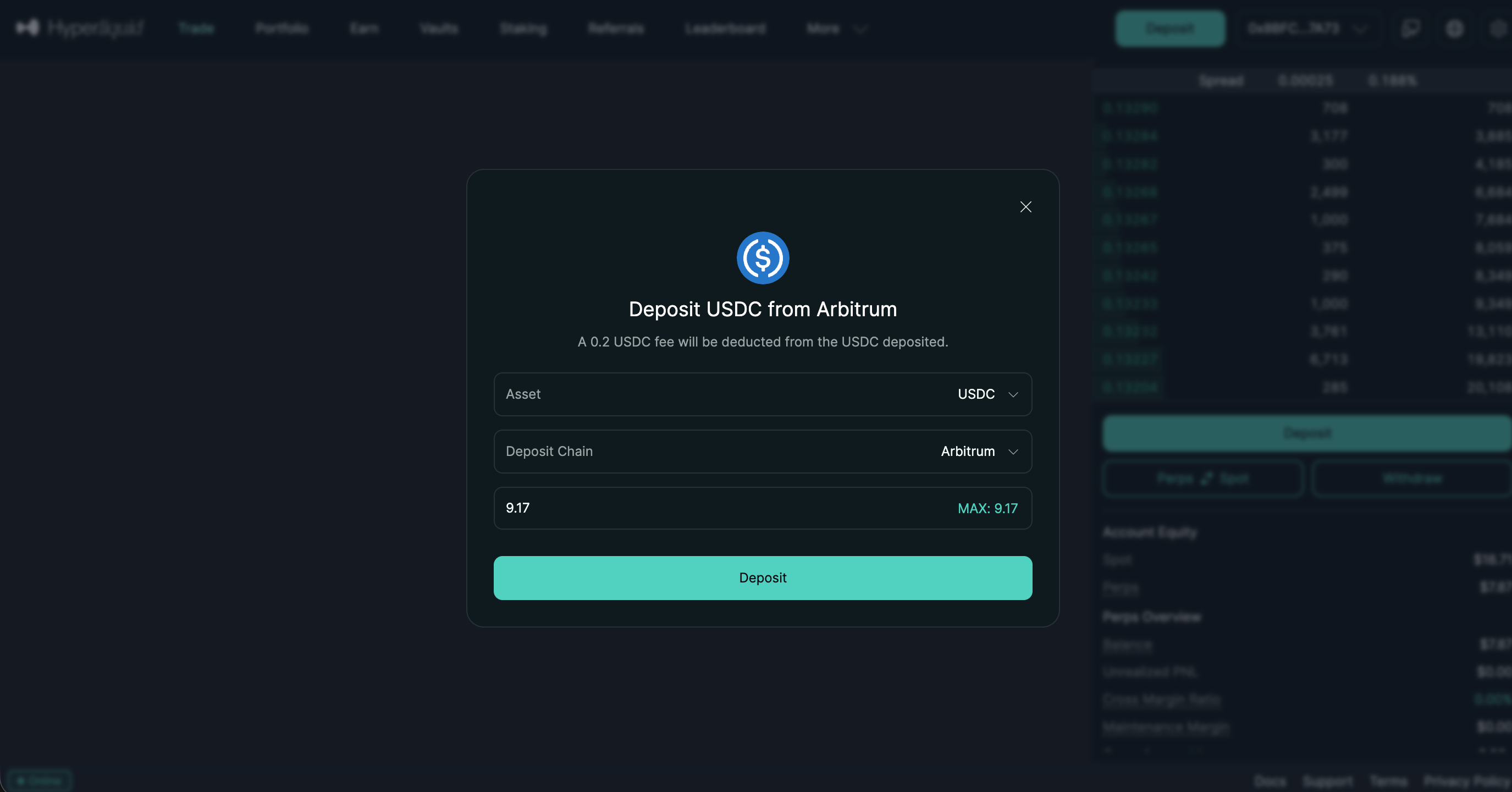
This rule captures deposits to Hyperliquid through Circle's CCTP on Arbitrum, which is now the default deposit method on Hyperliquid.
The CCTP flow uses the USDC contract on Arbitrum, which is included in the Circle CCTP (Arbitrum) DApp bundle, which we'll be using for this rule for convenience.
- Transaction type: "EVM typed data message"
- Recipient: Circle CCTP (Arbitrum One) DApp option
- EVM typed message:
- Domain: USD Coin
- Primary type: ReceiveWithAuthorization
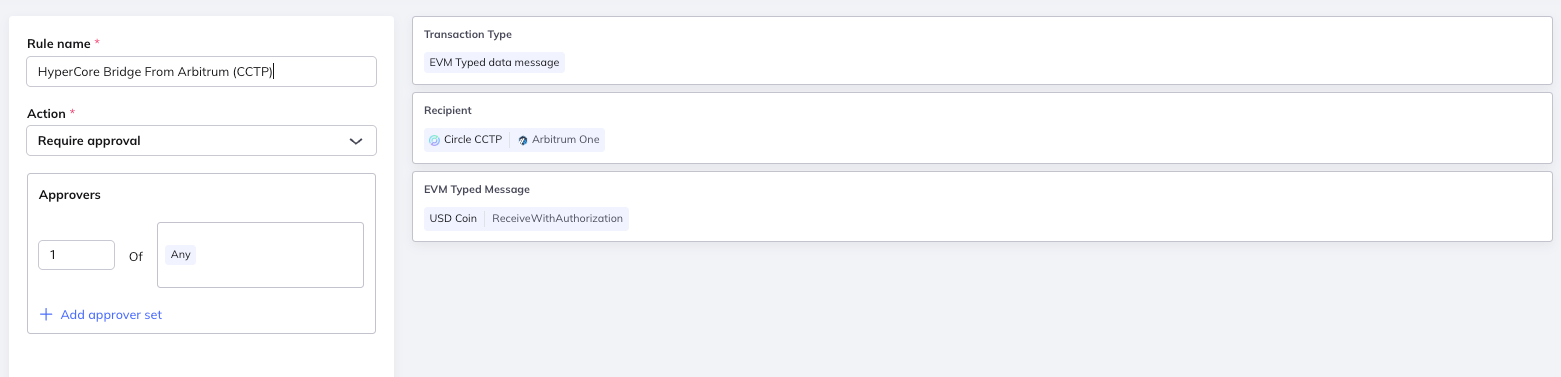
Since this transaction involves signing an EVM typed message, that is what we have selected as the transaction type, and we have added an extra "EVM typed message" condition with the domain and type of the message we are expecting.
Importantly, note that you must NOT add an extra amount or asset check to this rule. Fordefi's policy engine cannot check an amount or asset when the transaction type is an EVM message, except in special circumstances where this message is handled by Fordefi as a transfer (more on this in the next section).
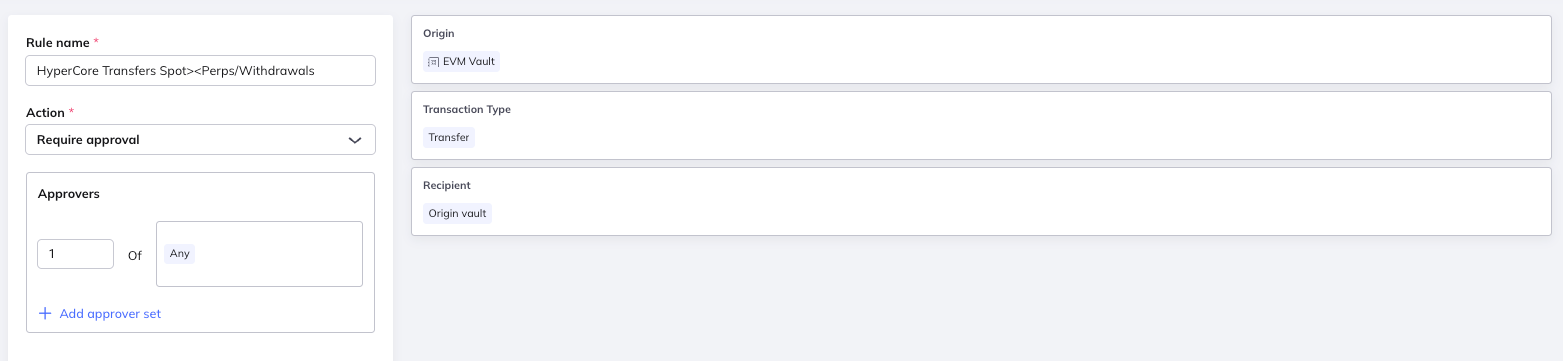
This important rule is a "catch-all" that governs every action on Hyperliquid:
- Transfers from Spot to Perps and Perps to Spot
- Transfers from Main to Sub-account and Sub-account to Main
- Withdrawals from Hyperliquid to your wallet on Arbitrum
- Transfers to another Hyperliquid account using Hyperliquid's "Send" feature
All of these actions are submitted as EIP-712 signed messages rather than contract calls (for example, Withdraw and SendAsset). Because these messages move real funds, the Fordefi policy engine can treat them like ordinary Transfers — letting you apply the same security controls, and the same Recipient whitelist, that you would use for any other asset movement.
The most secure way to write a rule for Hyperliquid messages that move assets is to control where the funds end up:
- Set the Transaction type condition to Transfer.
- Set the Recipient to the address where the funds are actually going.
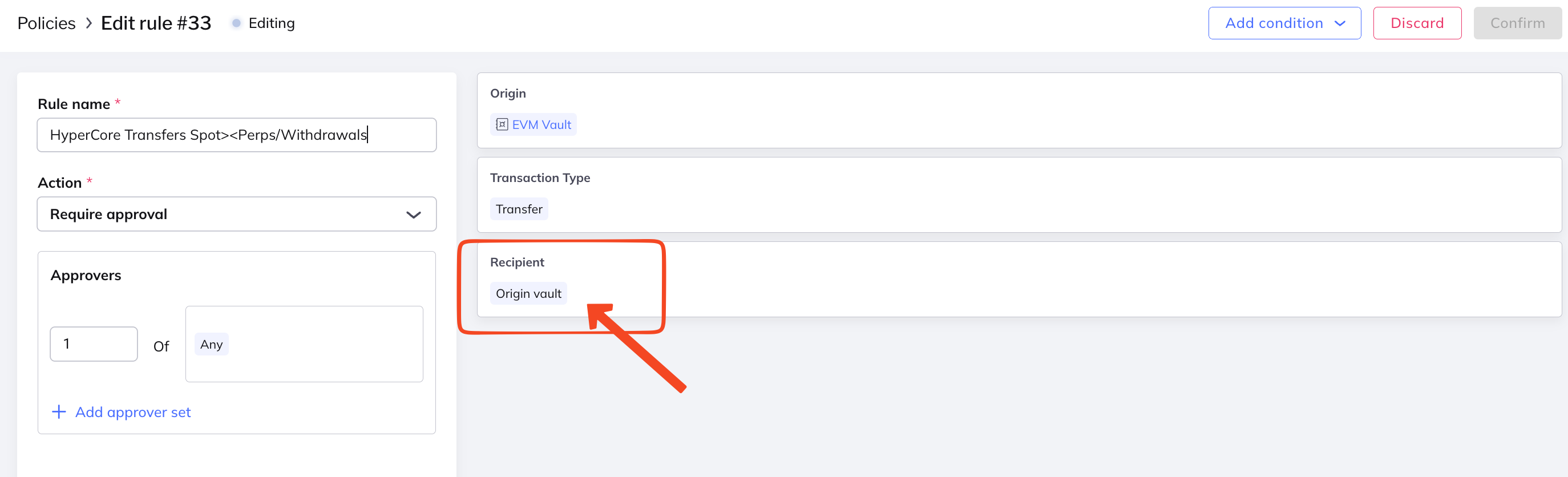
For most cases, the destination is the connected Fordefi vault itself, so you can set Recipient to "Origin vault":
- For a
Withdrawmessage, the recipient is the Fordefi vault signing the message (its Arbitrum address). - For a
SendAssetmessage (moving tokens between Perps and Spot, or between your Main and Subaccount), the recipient is typically the same vault.
With "Origin vault" as the recipient, if a malicious trader ever tried to transfer or withdraw assets to an account that isn't the connected vault, the rule would block the transaction.
- Origin: The vault or vaults that will sign transactions on Hyperliquid
- Transaction type: "Transfer"
- Recipient: "Origin vault"
If you want to allow transferring funds to a Hyperliquid account that isn't the connected vault — a trusted third party, for example — simply add that account to the Recipient list on the rule.
For backward compatibility, Hyperliquid messages can also be matched as EVM Typed Messages by setting the domain name to HyperliquidSignTransaction and the matching object type to the relevant primary type (e.g., HyperliquidTransaction:SendAsset).
This approach is less secure and is not recommended: the recipient is derived from the verifyingContract field, which is the zero address (0x000...000) for all Hyperliquid messages. A rule using EVM Typed Message matching therefore cannot verify the actual destination of the funds.
The following is a SendAsset message moving USDC from Perps to Spot on Hyperliquid. Note the destination field — this is the address a Transfer-type rule uses as the recipient:
{
  "domain": {
    "name": "HyperliquidSignTransaction",
    "version": "1",
    "chainId": 1,
    "verifyingContract": "0x0000000000000000000000000000000000000000"
  },
  "message": {
    "type": "sendAsset",
    "destination": "0x8BFCF9e2764BC84DE4BBd0a0f5AAF19F47027A73",
    "sourceDex": "",
    "destinationDex": "spot",
    "token": "USDC:0x6d1e7cde53ba9467b783cb7c530ce054",
    "amount": "7",
    "fromSubAccount": "",
    "nonce": 1773429058027,
    "signatureChainId": "0x1",
    "hyperliquidChain": "Mainnet"
  },
  "primaryType": "HyperliquidTransaction:SendAsset"
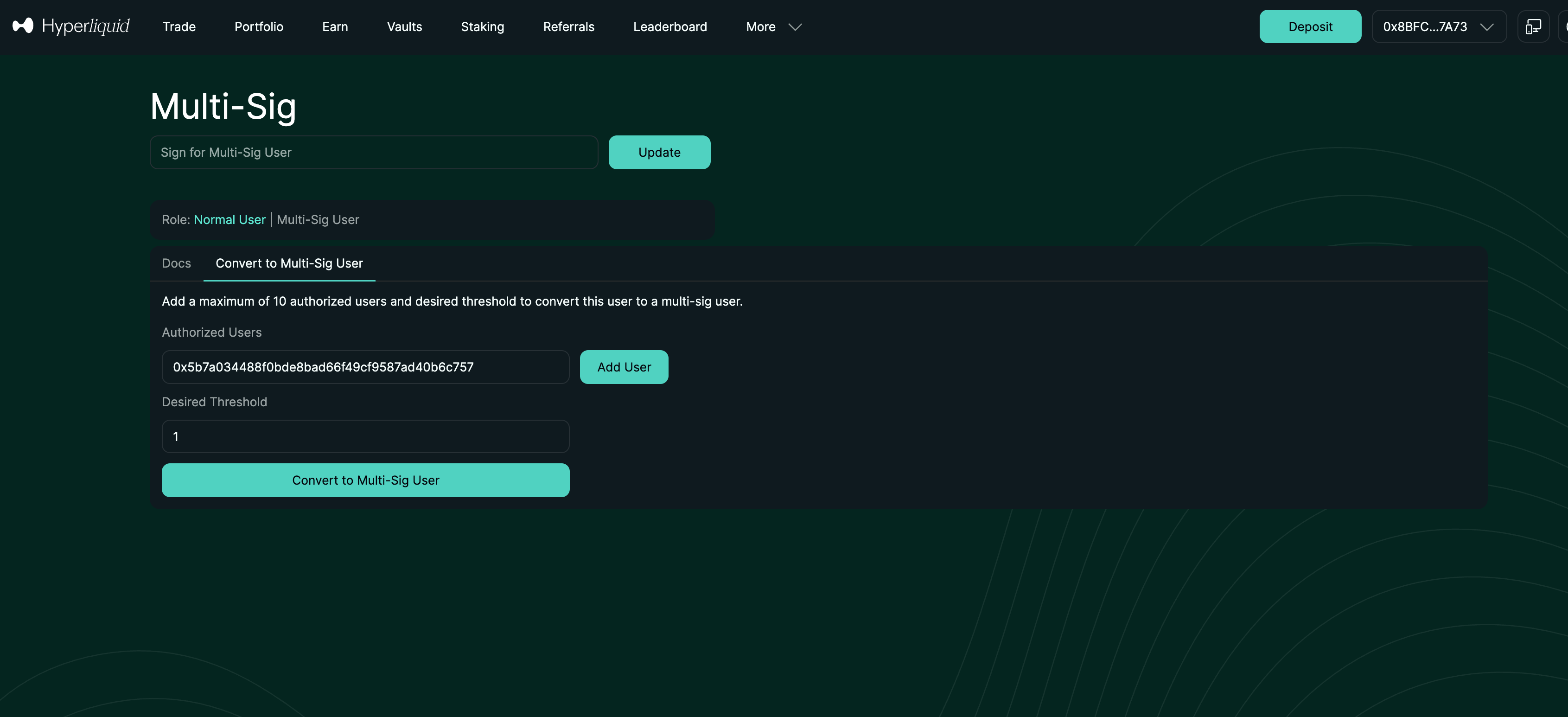
}As with API wallets, converting your Hyperliquid account to a multi-sig is optional but can be set up for additional security. However, it comes at the cost of added complexity and the risk of losing access to your Hyperliquid account if you can no longer meet the threshold. As such, it is best practice to gate the use of this action to make sure it does not present security risks or is activated accidentally.
- Transaction type: "EVM typed data message"
- Recipient: "0x0000000000000000000000000000000000000000" as a custom address
- EVM typed message:
- Domain: HyperliquidSignTransaction
- Primary type: HyperliquidTransaction:ConvertToMultiSigUser
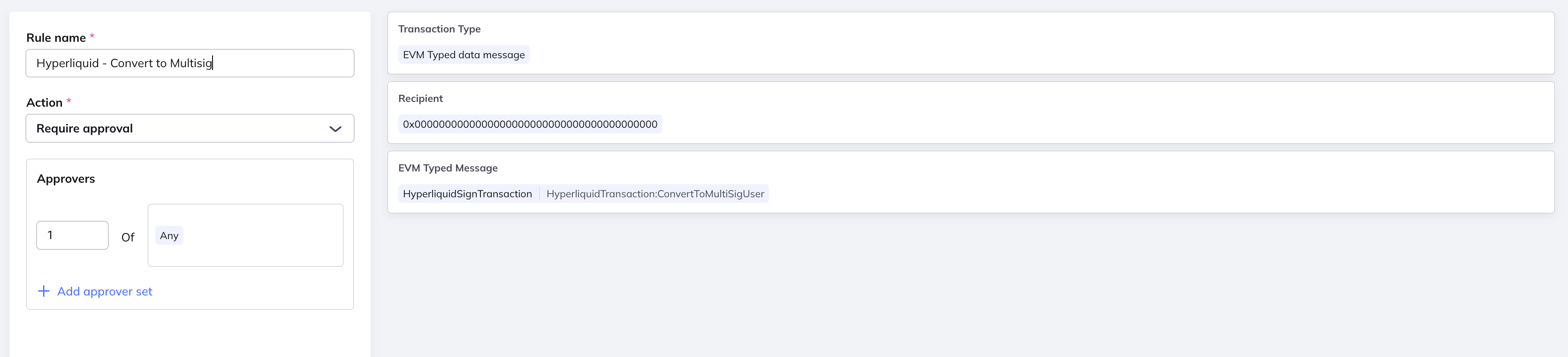
As with API wallets, Hyperliquid's convention requires the 0x0 address as a placeholder for the verifying contract.