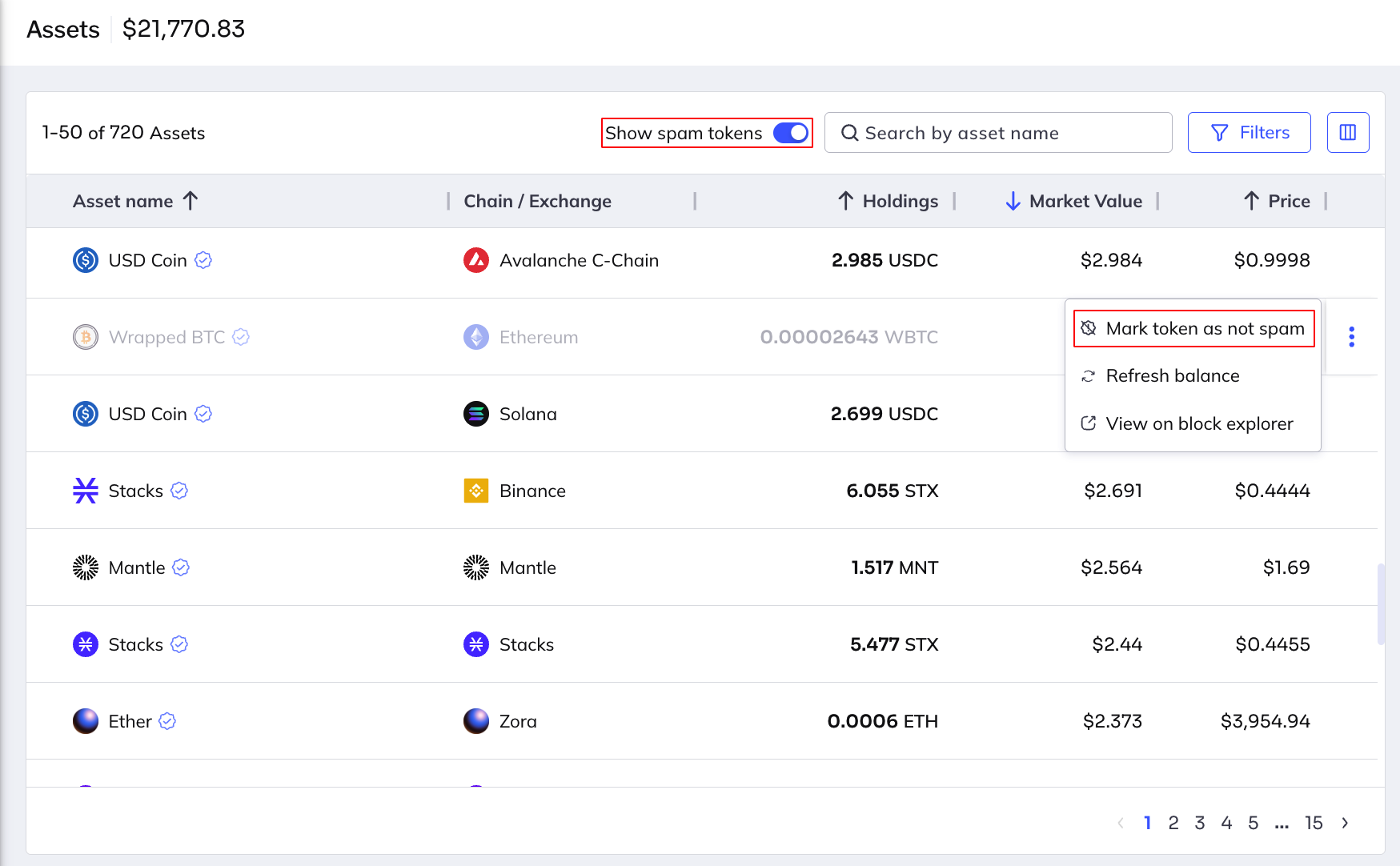
Restore assets by marking them as "not spam."
When an asset is restored, the following occurs:
- The asset previously marked as spam is visible in the list of assets.
- The value of the asset is added to the value of the portfolio.
- The Show spam tokens count refreshes to reflect the changes.
Here's how you restore spam assets:
Open the Fordefi web console.
In the side menu, click Assets.
Display hidden tokens by clicking the Show spam tokens toggle.
Hover over the asset you want to restore, click the ellipsis menu at the extreme right and click Mark token as not spam.